




Never Guess Where Your Driver Is: Real-Time Tracking with Yimadada
We know the feeling: you are waiting for your airport pickup, checking your watch, and wondering exactly where your driver is. The Yimadada app's real-time tracking feature eliminates that anxiety completely.
Using our built-in GPS map, you can accurately track your driver's exact location, route, and estimated time of arrival (ETA). Whether you are a business traveler needing to hit a strict meeting schedule or simply wanting a smooth start to your vacation, this feature puts you in total control. Plus, with our one-click trip sharing, your friends, family, or colleagues can securely follow your journey in real-time.
With Yimadada, you aren't just booking a ride—you are gaining total visibility and peace of mind.
How to Use Yimadada’s Real-Time Tracking (Quick Guide)
With the Yimadada app, tracking your driver and confirming your pickup time is incredibly easy. Follow these three quick steps to get instant updates on your driver's status, route, and arrival time. Say goodbye to anxious waiting and hello to an efficient, relaxing ride!
Step 1: Open the App and Find Your Order
Launch the Yimadada app and tap the "My Orders" icon (second from the left at the bottom of the homepage) to view all your upcoming rides. Select the airport transfer you want to track to instantly access the driver’s status page. This simple step helps you stay completely informed.
Step 2: Track Your Driver’s Movements
About 30 minutes before your scheduled pickup, click on your order to activate tracking. Your screen will display "Driver on the Way," along with their exact distance and ETA. This allows you to plan your departure down to the minute.
Step 3: Share Your Trip Progress
Swipe up on the red bar at the bottom of your booking page and tap the "Share Trip" icon (the three connected circles). You can easily share your live itinerary via social apps like LINE or WhatsApp, giving you and your loved ones total peace of mind.
Step-by-Step Details: Mastering the Live Tracking Feature
Open the app and access your orders
Launch the Yimadada app and tap the "My Orders" icon on the bottom left of your screen. Here, you can browse your history and select the specific airport transfer you wish to monitor.
Track driver dynamics
Starting 30 minutes before your ride, tap your order to enable live tracking. The screen will update to "Driver on the way," providing you with the driver's current distance and estimated arrival time.
View the live GPS map
Our in-app map displays your assigned vehicle's exact location and route in real-time. Keep a close eye on your driver's movements so you know they are right on schedule for your airport pickup.
Confirm driver arrival
Once your driver pulls up, the app will show a "Driver has arrived" alert. The map will update to show exactly where the vehicle is waiting, allowing you to walk right out and prepare for your ride effortlessly.
Share your trip progress
While in the app, swipe up on the red bar on your active booking and tap the "Share Trip" button (the three dots icon). You can send this link directly through social media apps like WhatsApp or LINE.
Ensure friends and family are synchronized
Once they click your shared link, your friends, family, or colleagues can instantly see your driver's route, live vehicle location, driver's name, and license plate number. It is the best way to ensure safety, build trust, and keep everyone perfectly synced with your arrival!
Pro Tips for a Seamless Tracking Experience
Double-Check Your Pickup Time
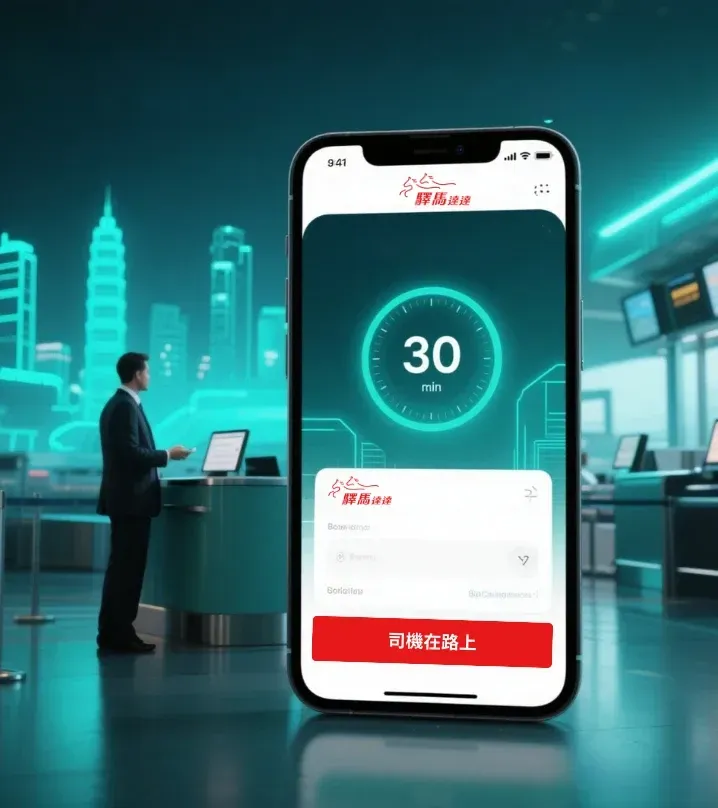
Remember, the live tracking feature automatically activates exactly 30 minutes before your scheduled ride. By confirming your reservation time is perfectly accurate, you ensure you won't miss any real-time driver updates, helping you time your departure to the minute.

No Need to Constantly Refresh
Sit back and relax! The app continuously and automatically updates your driver's live location. There is no need to manually refresh your screen—letting the app do the work not only ensures smooth tracking but also saves your phone’s battery for the journey ahead.
Zoom In on the Map
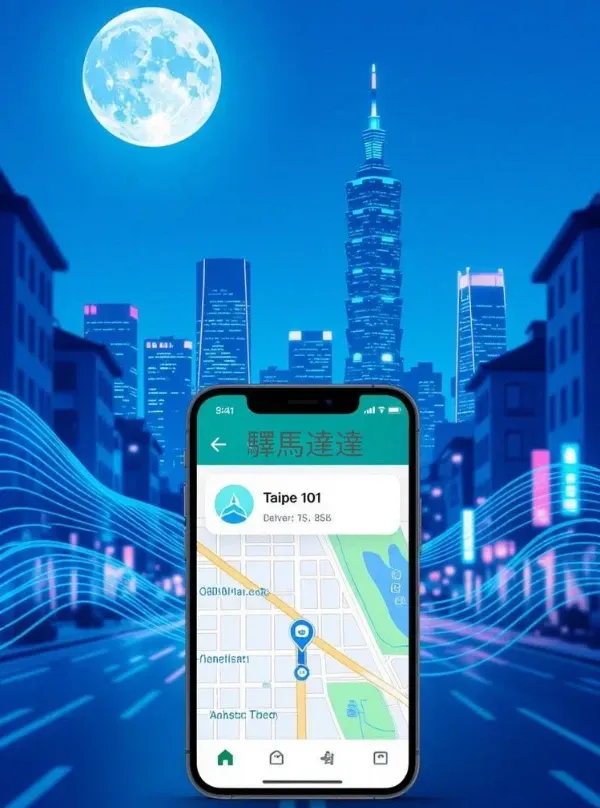
Curious exactly which street your driver is on? Make good use of the pinch-to-zoom feature on the in-app GPS map. Zooming in lets you view the precise route details, allowing you to accurately monitor your driver's progress and perfectly time your walk to the curb.

Share Your Trip for Total Peace of Mind
We highly recommend using the itinerary sharing feature. Sending your live trip link to friends, family, or colleagues ensures total transparency and security. It is especially comforting during late-night rides or long-distance airport transfers, giving both you and your loved ones complete peace of mind.
Frequently Asked Questions
Book Directly for a Safe & Rewarding Experience
Ready to hit the road? Booking your ride through the official Yimadada website or app is quick, secure, and highly rewarding!
Simply register with your name and phone number to get started. Whether you are catching a flight out of Taoyuan International Airport or heading home from Kaohsiung Airport, our booking process is completely intuitive.
Why do we ask you to create an account? Because your personal security is our top priority. As an added bonus, registered users earn discount codes to save money on future rides. It is the smartest, safest way to travel across Taiwan!